

Uninstalling and deactivating the plugin
You can of course deactivate and uninstall the plugin in the completely usual way, but keep in mind that when the plugin isn’t active, WooCommerce won’t recognize the custom order statuses added by the plugin (these statuses start with “Mailstep – ”).
On deactivation, orders with an unknown status disappear from the orders listing (but remain in the database) and reappear once you reactivate the plugin.
If you deactivate the plugin, orders with these statuses are automatically changed to “Processing”, but the customer is no longer sent an e-mail notification. If you want to adjust this default behavior, you can do so in the plugin settings (WooCommerce → Settings → Mailstep → the Uninstall section).
You can of course also resolve the situation manually by editing the order statuses in WooCommerce before deactivating the plugin.
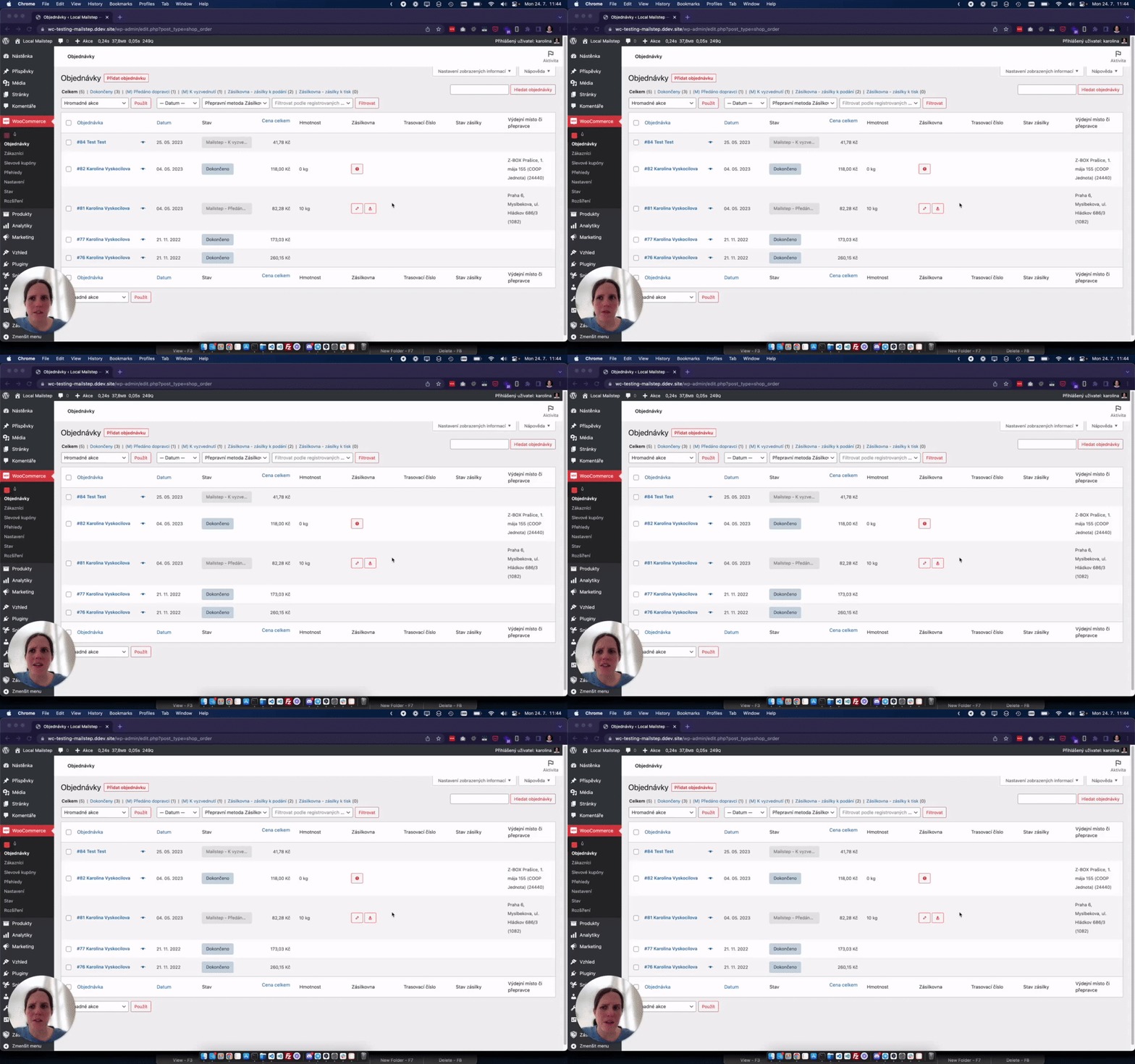
Alternatively, I explain everything in the video below:

Was this page helpful?
Thanks for the feedback!
Sorry to hear that. Tell me what was missing and how I can help →