

User account
As mentioned in the article about Freemius, after your first purchase you’ll receive an email with the login details for your Freemius account. You can use these credentials to log in to Freemius itself, where you can manage your subscriptions, billing details, and more.
Logging in to your account
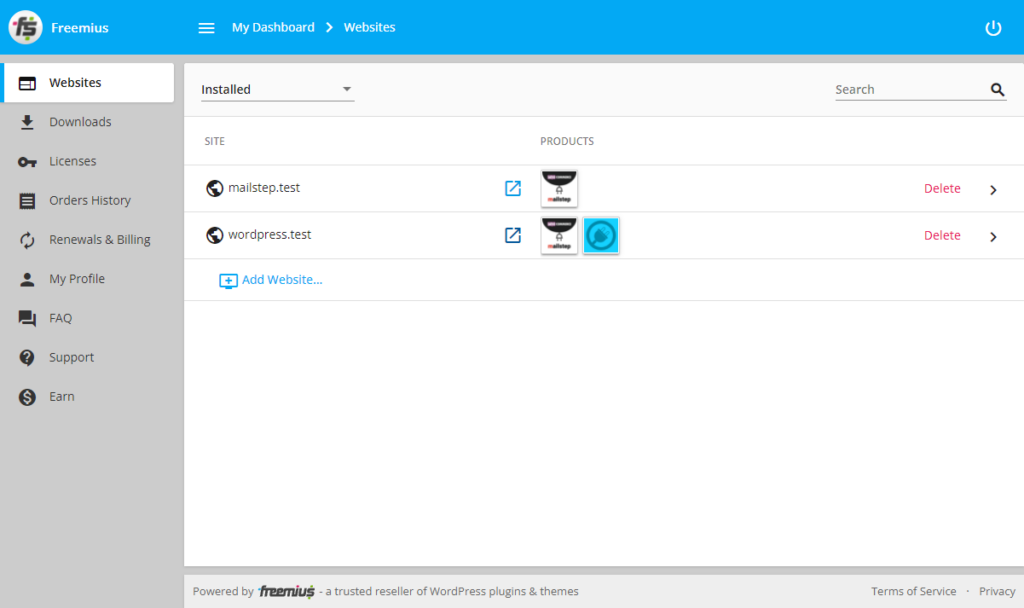
Section titled “Logging in to your account”You can log in to your account at https://users.freemius.com/. Once you’re logged in, you’ll land in your account dashboard, which looks roughly like this:
Account management
Once logged in, you can view your currently active subscriptions, your order history, your license keys and where they were activated, change your billing details, download invoices, and so on.
Forgotten password
Section titled “Forgotten password”If you’re having trouble logging in, you may have forgotten your billing email and/or password. I’ll try to help with a forgotten email if you write to me with your license number and the site where it’s used, but you can reset your account password yourself.
Just go to the password recovery page in the Freemius dashboard (or, on the login screen, click Forgot your password? and have it sent to you again).
Closing your account
Section titled “Closing your account”If you no longer have any subscriptions and you’re absolutely certain you want to close your Freemius account completely, you can do so by clicking the red Close account button in the My Profile section of your account.

Was this page helpful?
Thanks for the feedback!
Sorry to hear that. Tell me what was missing and how I can help →